

Documentation Index
Fetch the complete documentation index at: https://www.mintlify.com/docs/llms.txt
Use this file to discover all available pages before exploring further.
Prerequisites
- A Mintlify project connected to a GitHub or GitLab repository
- For GitHub: the Mintlify GitHub App installed on every repository you plan to use in the workflow
- For GitLab: a connected GitLab account (see GitLab setup below)
Enable workflows
- Open the Workflows page in your dashboard.
-
Click the toggle beside a workflow to enable it.
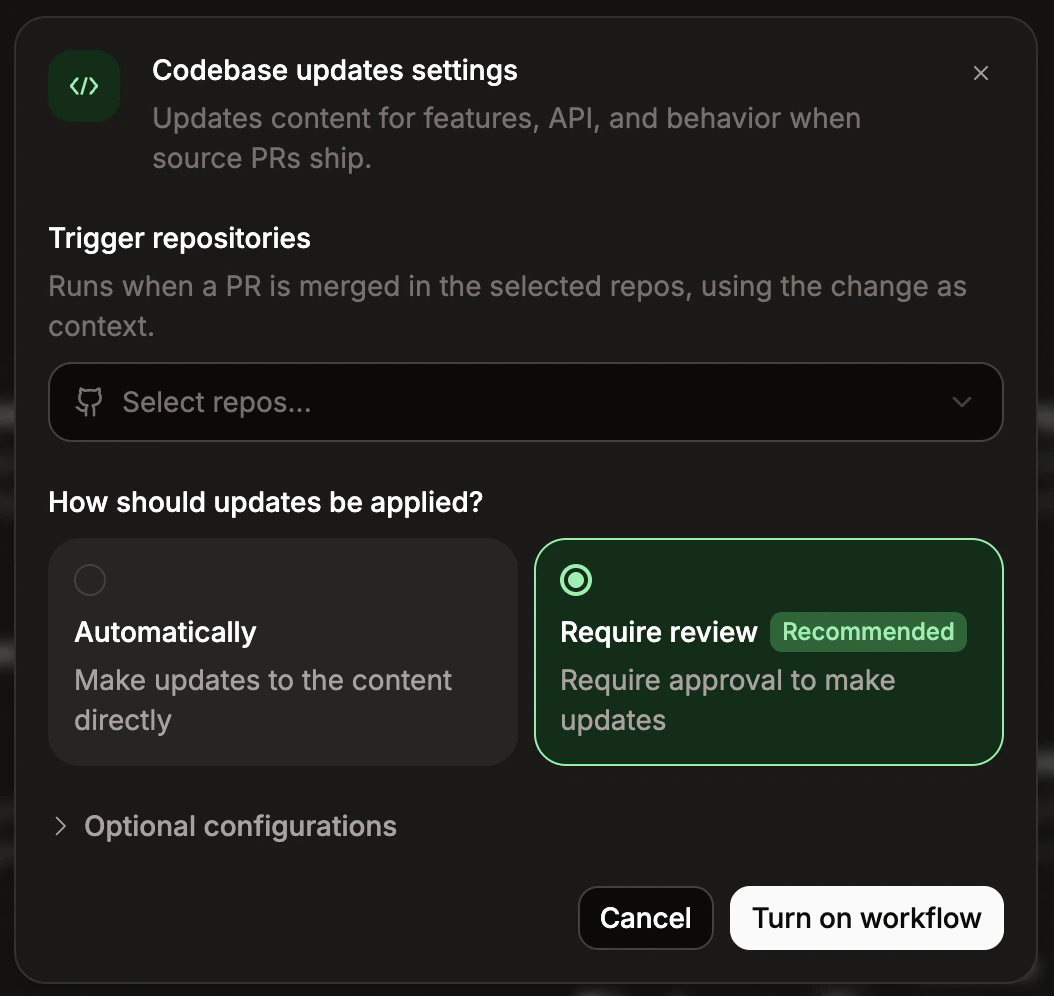
If the workflow can run with default settings, it activates immediately. Otherwise, the settings modal opens so you can choose any required configurations.
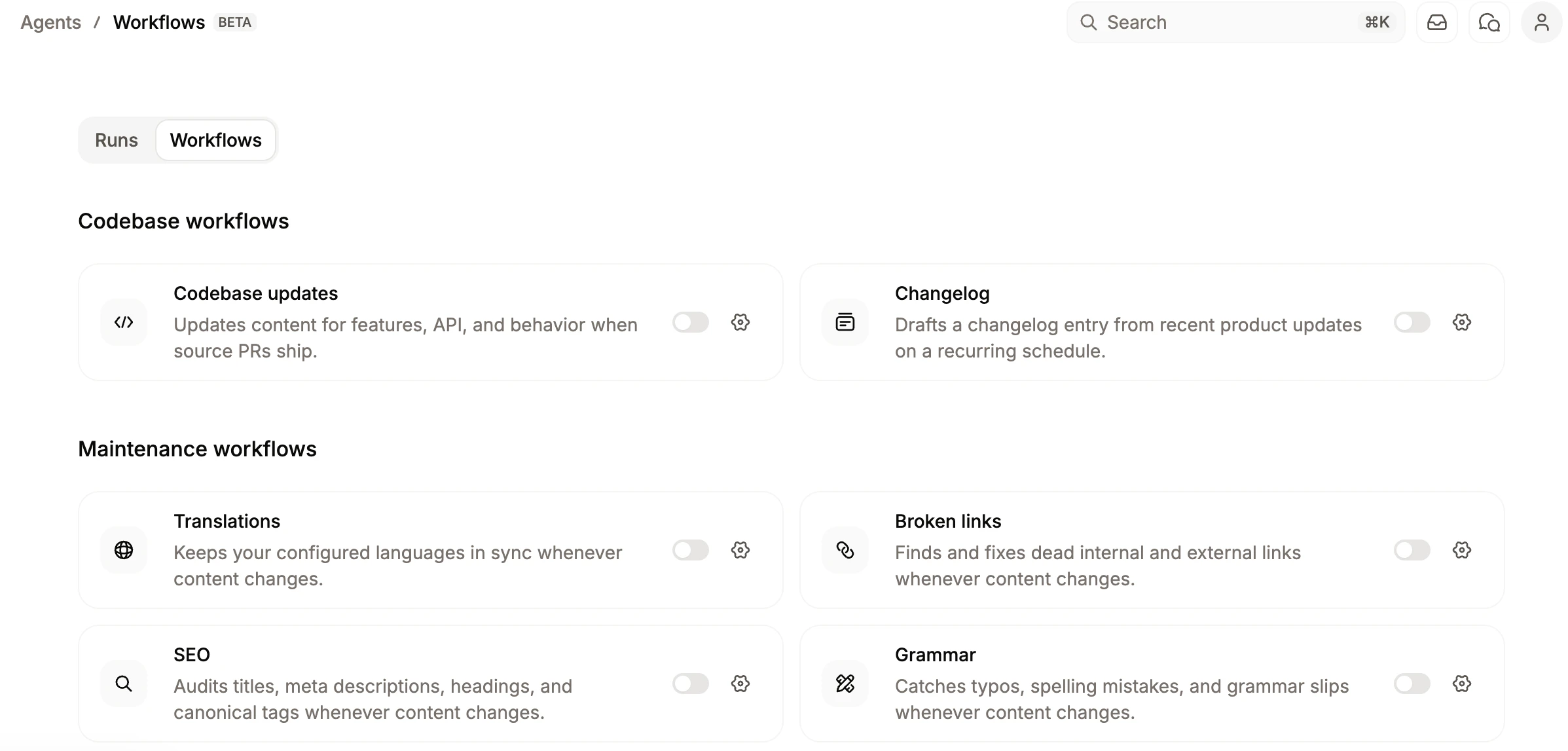
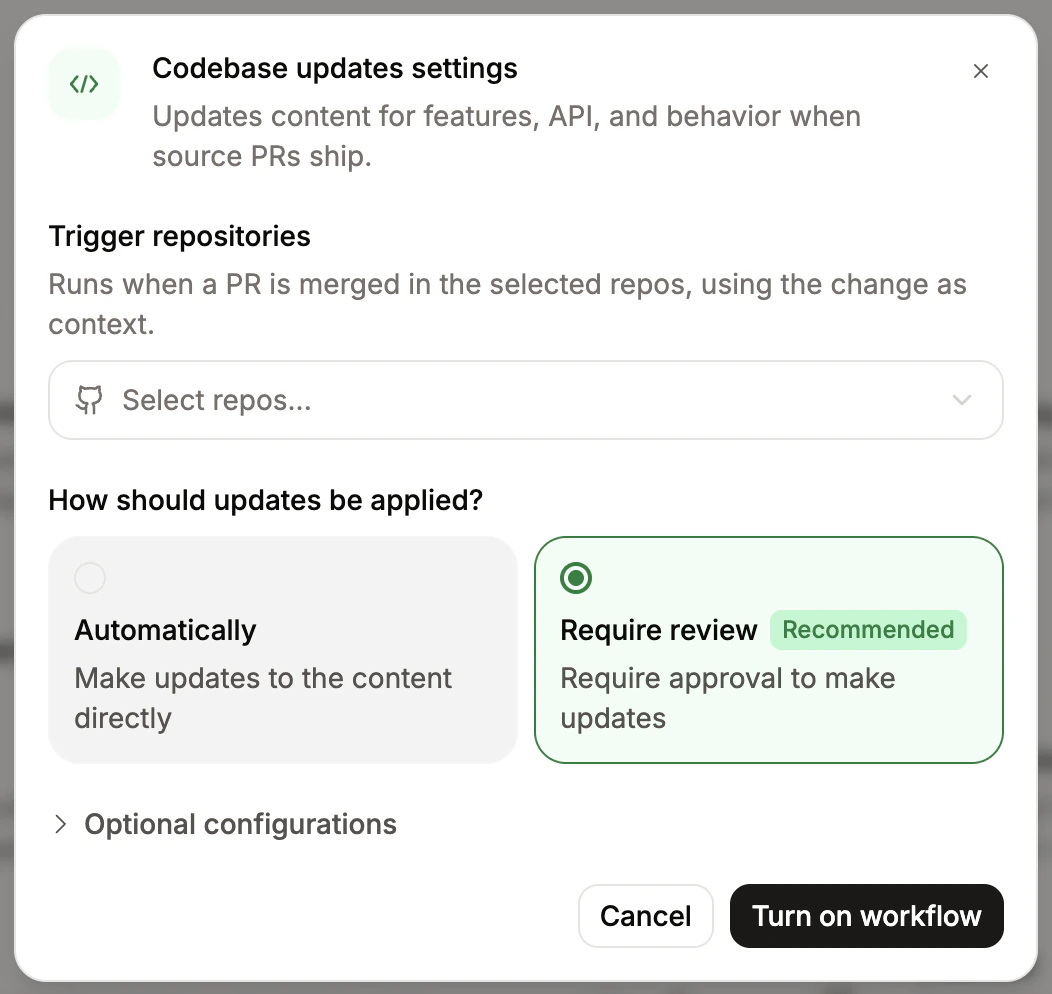
- If the modal opens, fill in the required fields and click Turn on workflow. To change settings for an active workflow, click the settings button beside it. Use the toggle in the modal header to enable or disable the workflow without leaving the settings view.
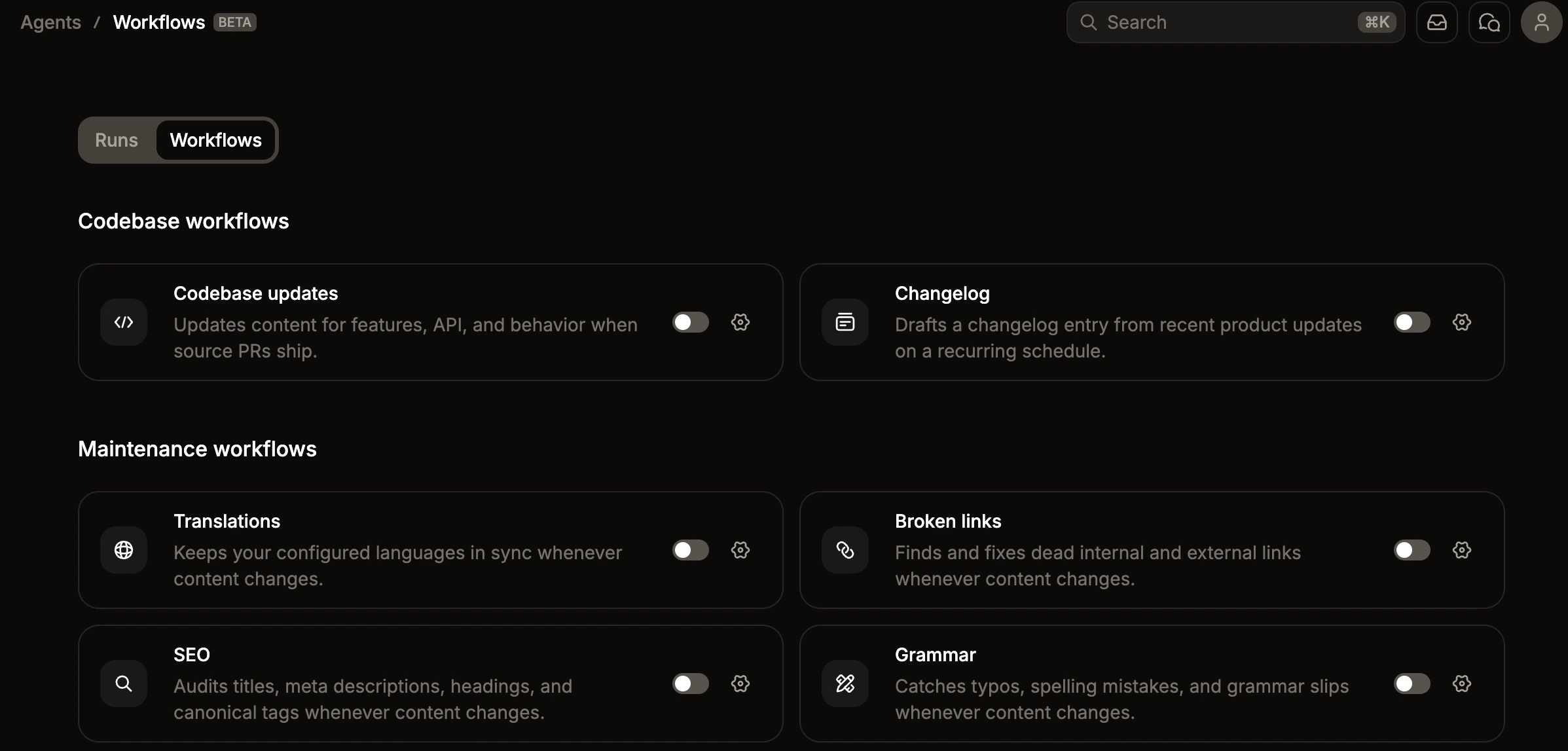
Configurations
Trigger repositories
For workflows that run on push events, specify the repositories to watch. You can specify up to 10 repositories per workflow. For GitHub repositories, you must install the Mintlify GitHub App on each repository. Add repositories on the GitHub app settings page.Update mode
Each workflow has a default mode for how it makes updates, either by directly updating your content repository or by opening a pull request. If you want to require reviews before a workflow updates your content, click Require review.For GitHub repositories, automatic updates require the Mintlify GitHub App to have bypass permissions on every ruleset targeting your deploy branch, including organization-level and repository-level rulesets. See Configure automerge for setup instructions.For GitLab repositories, automerge uses the GitLab OAuth connection and requires at least the Maintainer role on each project.
Trigger
Each workflow has a default for when it runs, either in response to changes in your content repository, in response to changes in a trigger repository, or on a schedule. If you want to change the default, select a different trigger.Instructions
Add optional instructions appended to the workflow’s base prompt. Use these instructions to adjust the style, tone, or other aspects unique to your project.Target languages
When you enable the Translate content workflow, select one or more languages you want to keep in sync with your source content.- Mintlify reads the languages defined in your
docs.jsonto identify your default language and preselects any already configured target languages. - You must select at least one target language to save the workflow.
- You cannot select the source language as a target.
Run a translation immediately
After saving the workflow, click Translate now to run it on demand using the currently saved target languages. The workflow must be enabled to trigger a manual run. Manual runs do not affect the workflow’s regular trigger.GitLab setup
To use GitLab repositories in a workflow, connect each project through the GitLab OAuth settings page. Connect every repository the workflow touches—your documentation repository and any trigger or context repositories. You must have at least the Maintainer role on each project.Workflows require a paid GitLab tier. The agent uses short-lived project access tokens for repository access, which GitLab’s Free plan does not support.